Adxum Tap
The app your team checks in with.
Members check in and out from their own phones when they’re at the site. The app only records their location at that moment. It’s free for members, on iPhone and Android.
Screens
A check-in, start to finish.
-
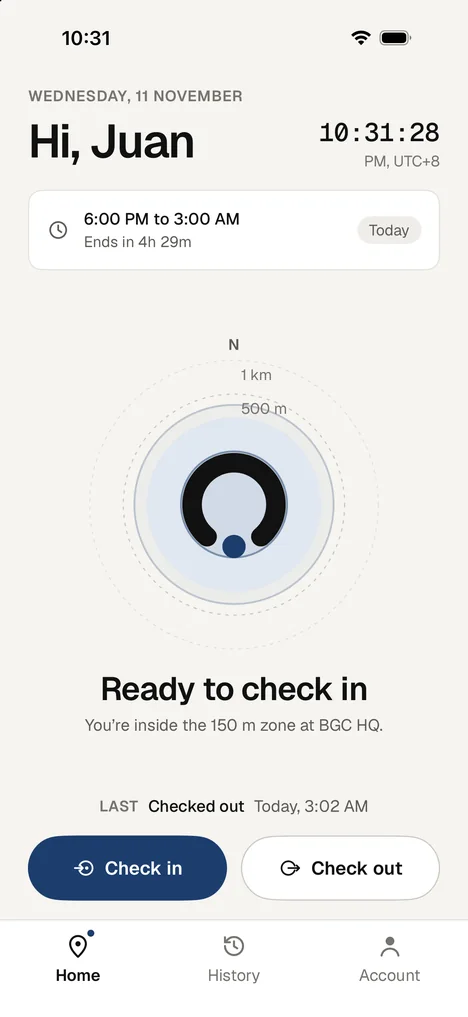
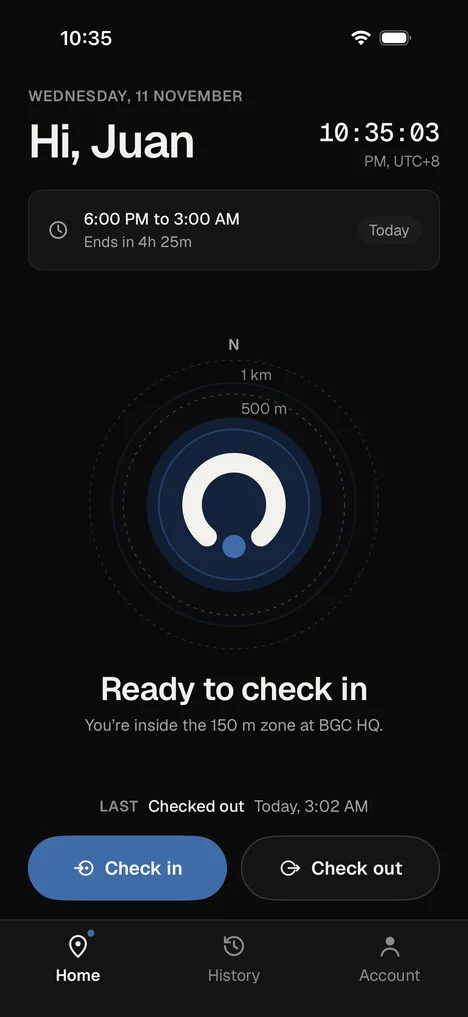
Check in at the site
Check in turns on once you’re inside the site’s zone.
-
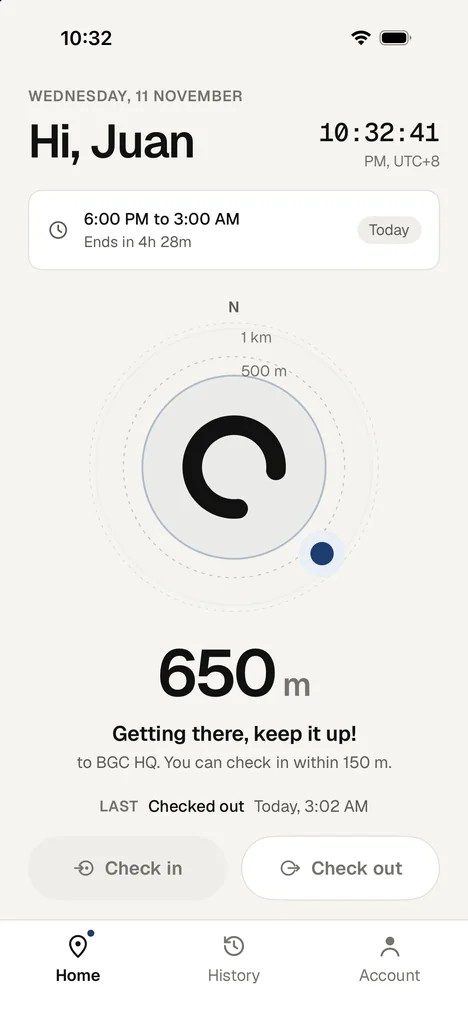
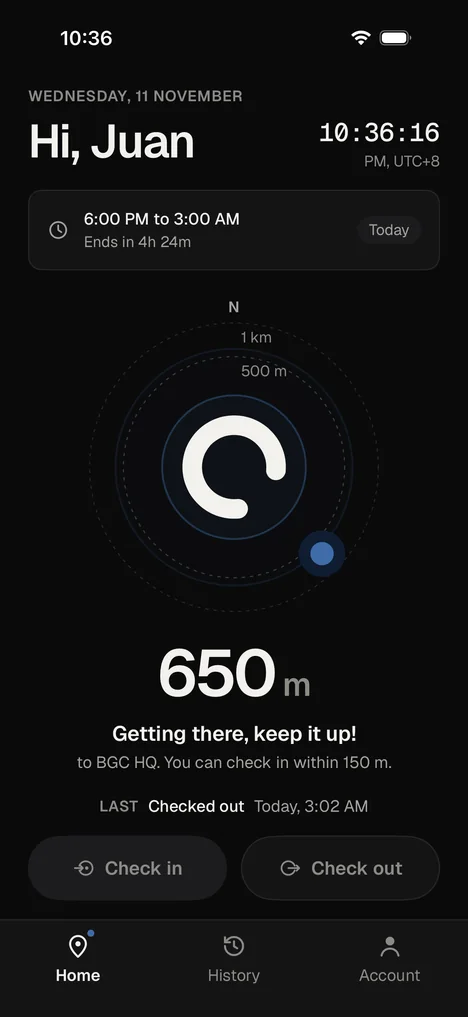
On your way
How far you are from the site, updated as you walk.
-
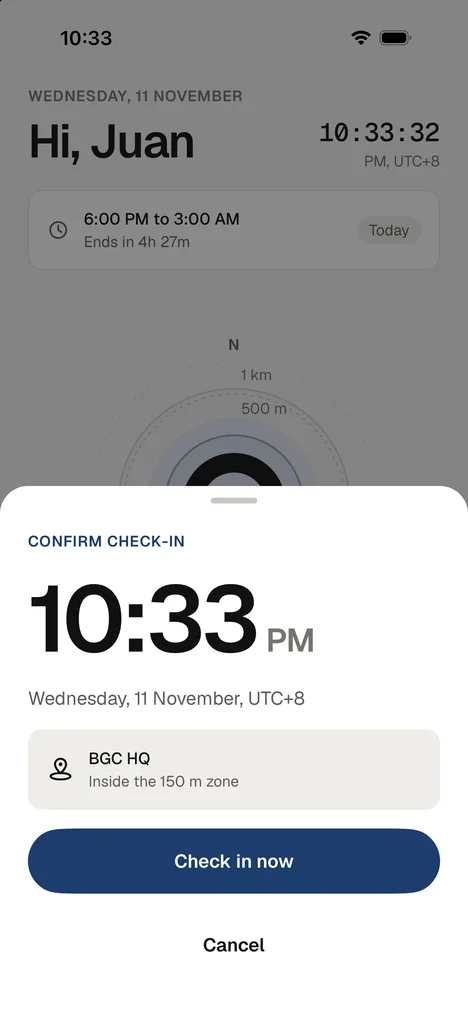
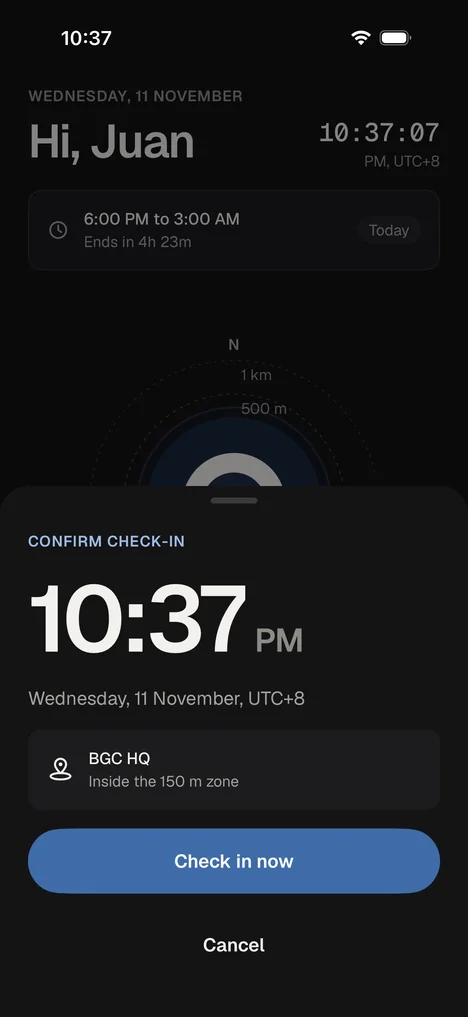
Confirm it
The time, the date and the site, before anything is saved.
-
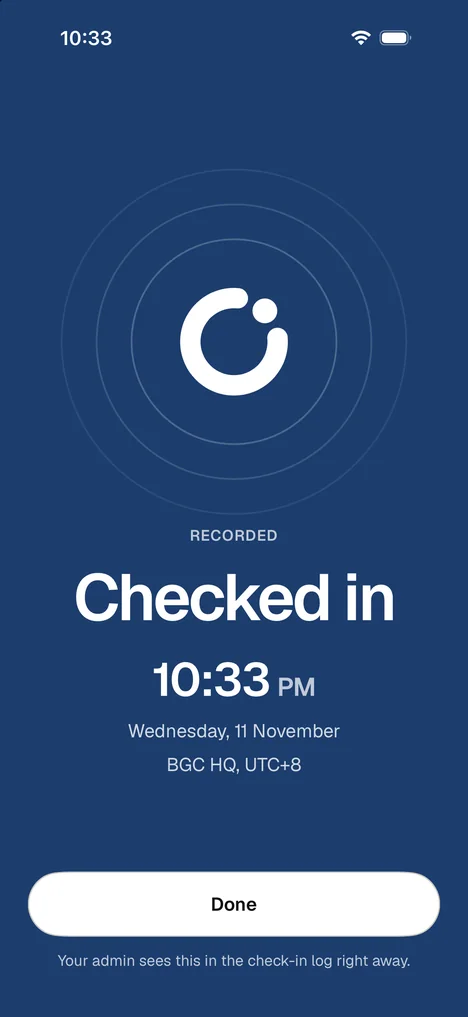
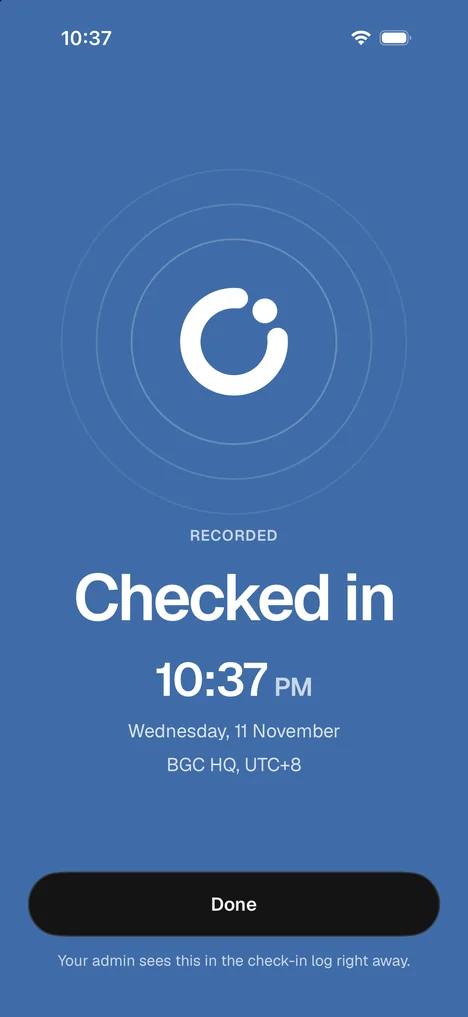
Recorded
Your admin sees it in the check-in log right away.
-
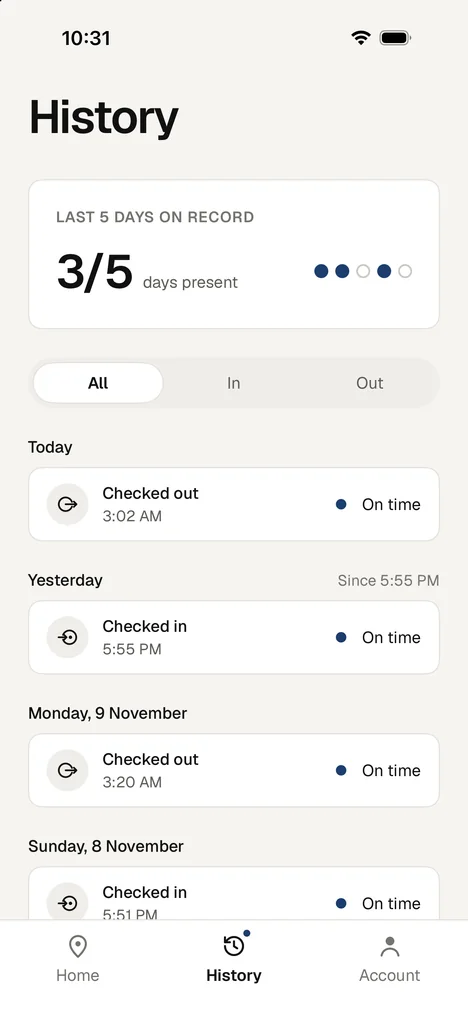
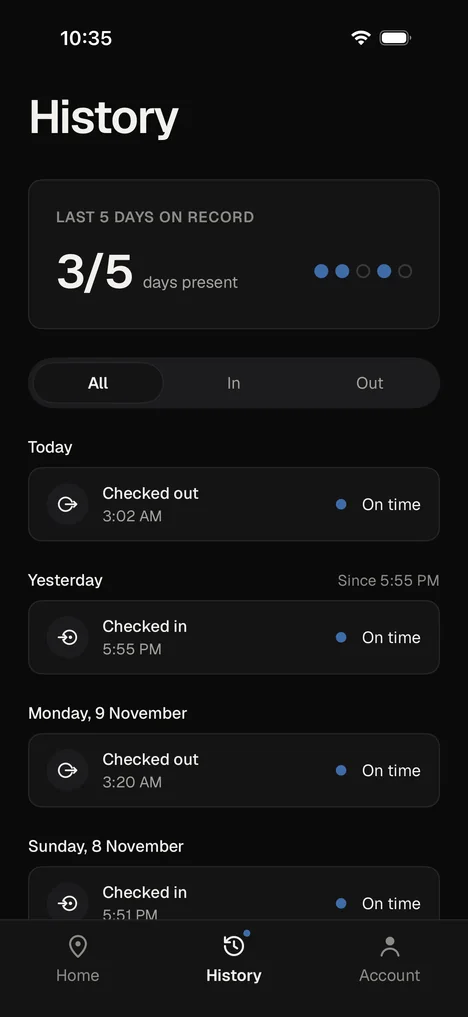
Your days at a glance
Each day’s check-ins and their status, by shape.
-
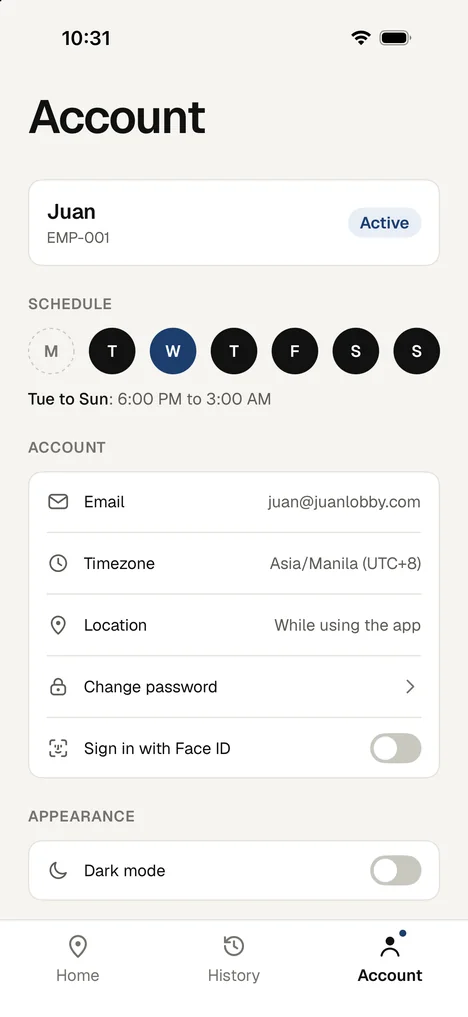
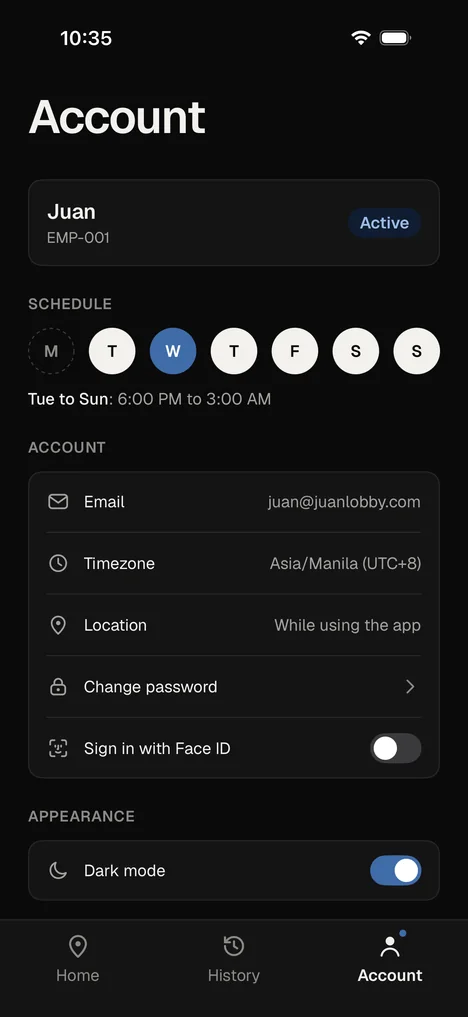
Your shift and schedule
Your week, your account, and sign-in with Face ID or fingerprint.
Getting started
How members get it.
Your admin adds you
There’s no sign-up in the app. Your admin sets up your Adxum Tap account and we email you a temporary password.
Get the app
Get Adxum Tap from the App Store or Google Play with the buttons above.
Sign in
Sign in with the temporary password, then choose your own. After that you can turn on Face ID or fingerprint in Account.