How it works
How Adxum works.
You set up your sites and your team on the web. Each member checks in from their own phone with Adxum Tap, and you see it on the dashboard.
Getting started
Four steps to your first check-in.
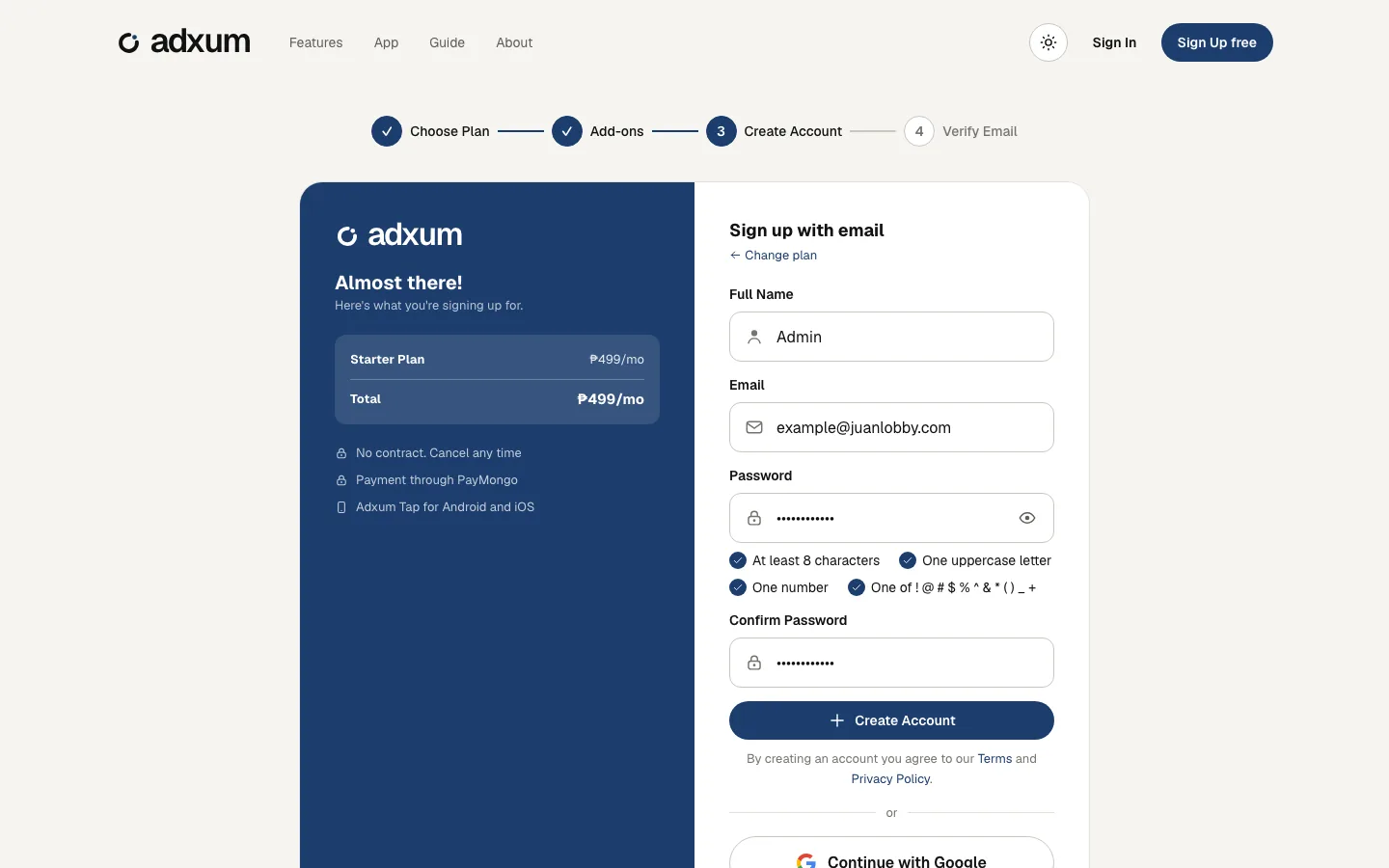
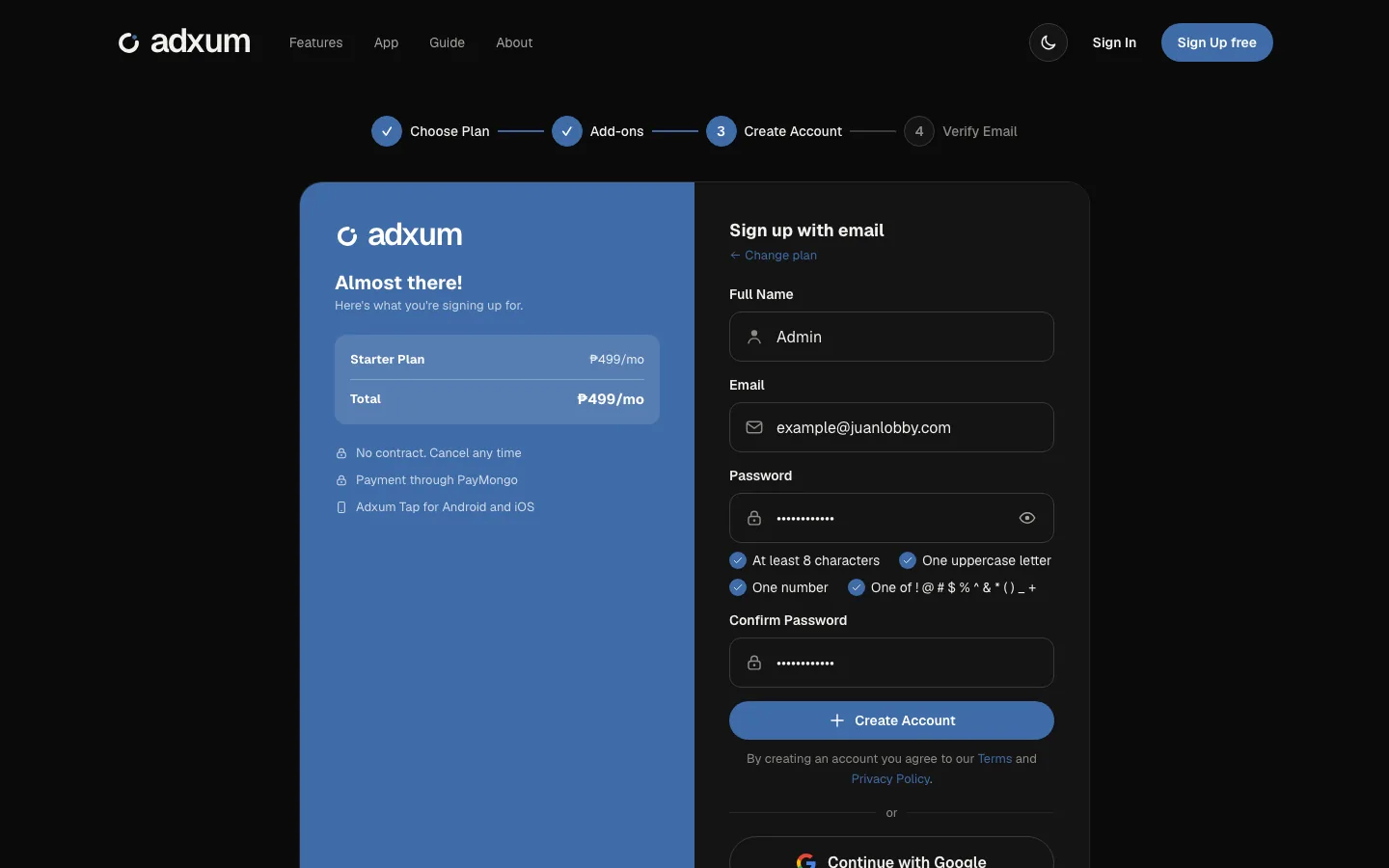
Create your account
Go to Sign Up and enter your name, work email and a password. We email you an 8-digit code to confirm it.
New accounts start on Free, which covers 3 members. It isn’t a trial, so it doesn’t run out.
Add a site and your team
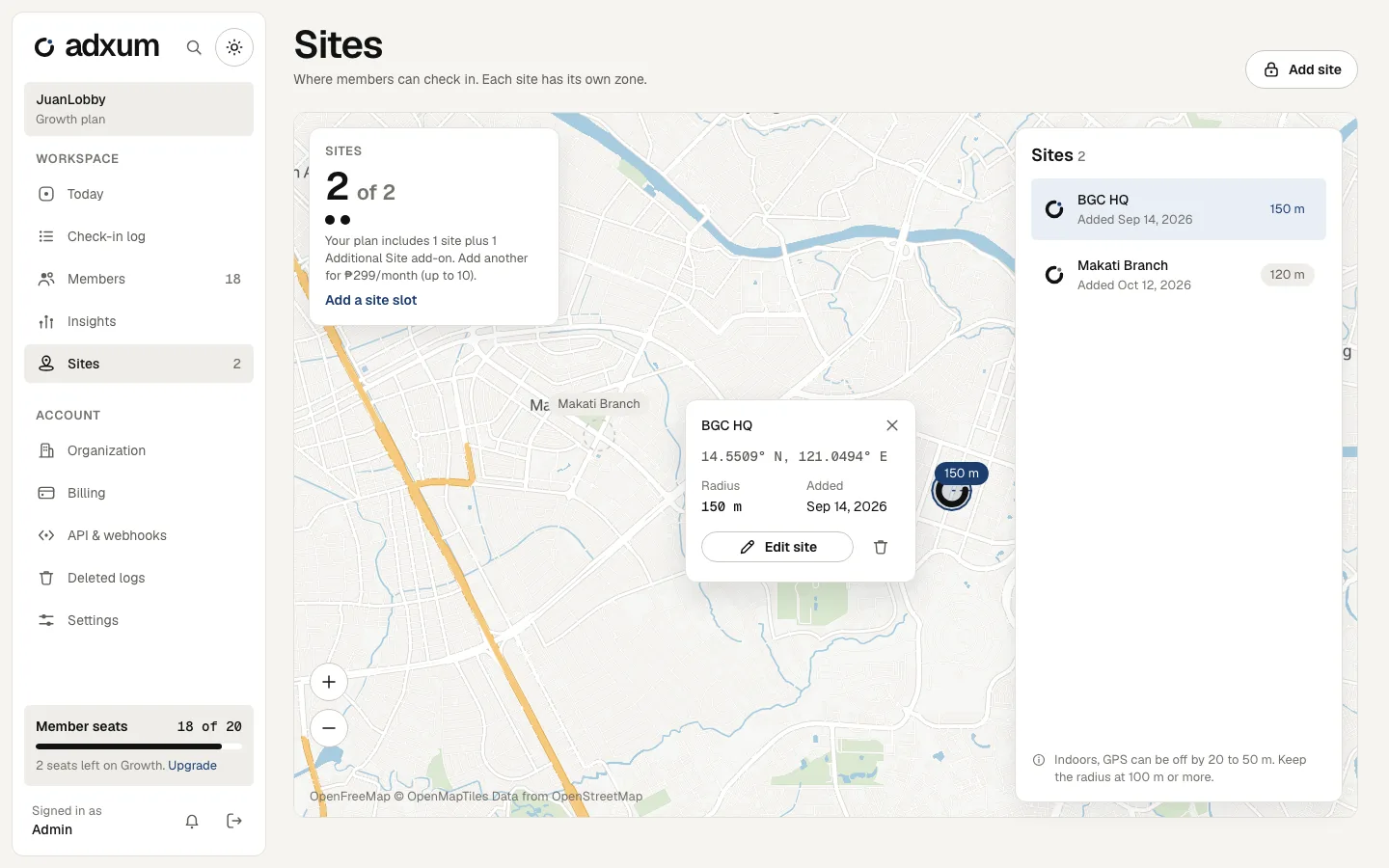
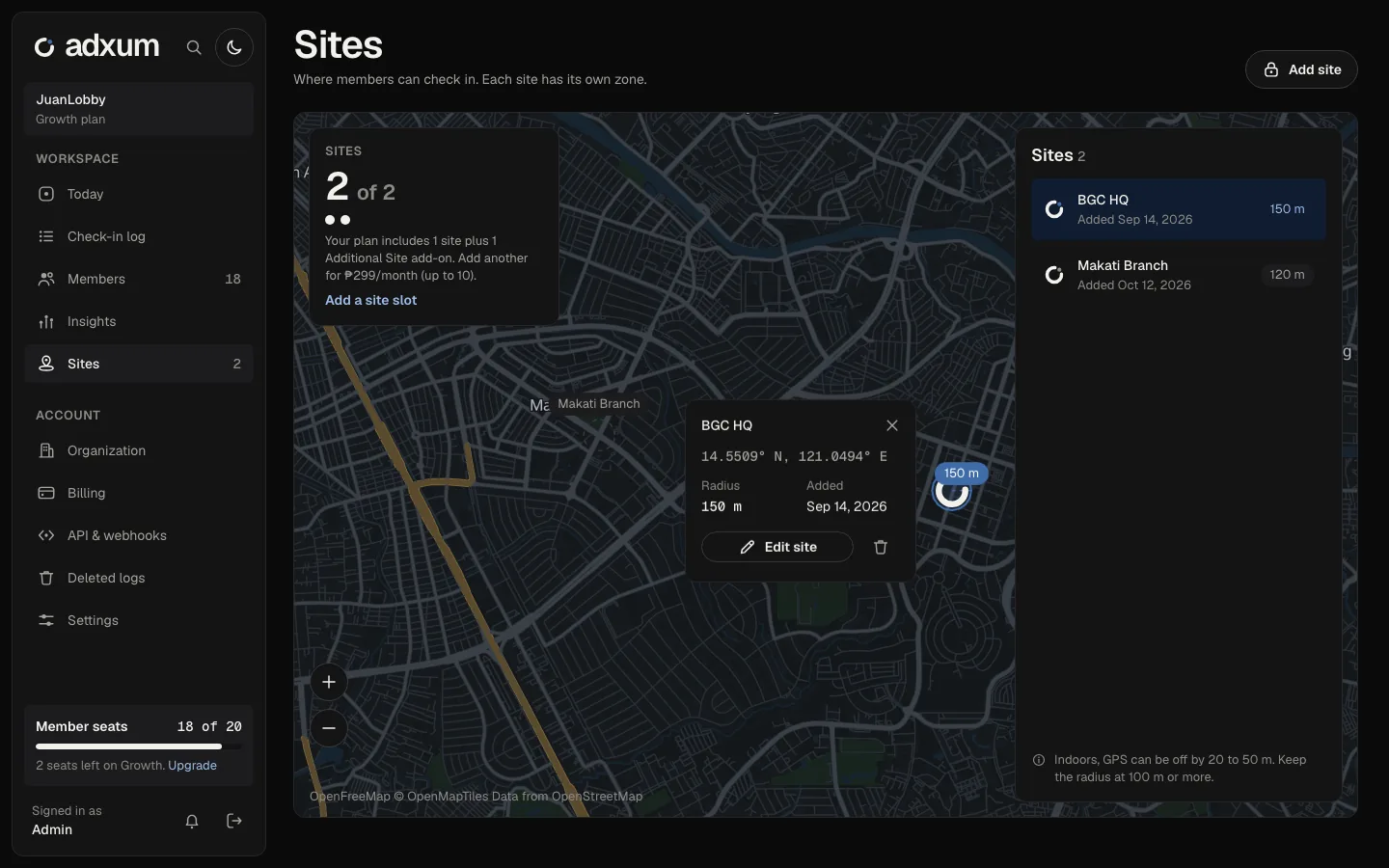
Under Sites, drop a pin and set the radius. Use 100 m or more, because phone GPS can be off by tens of meters.
Under Members, add each person with a member code and their shifts. Late and undertime are worked out from the shifts.
Your team checks in
Open a member’s page and click Add Adxum Tap account. We email them a temporary password.
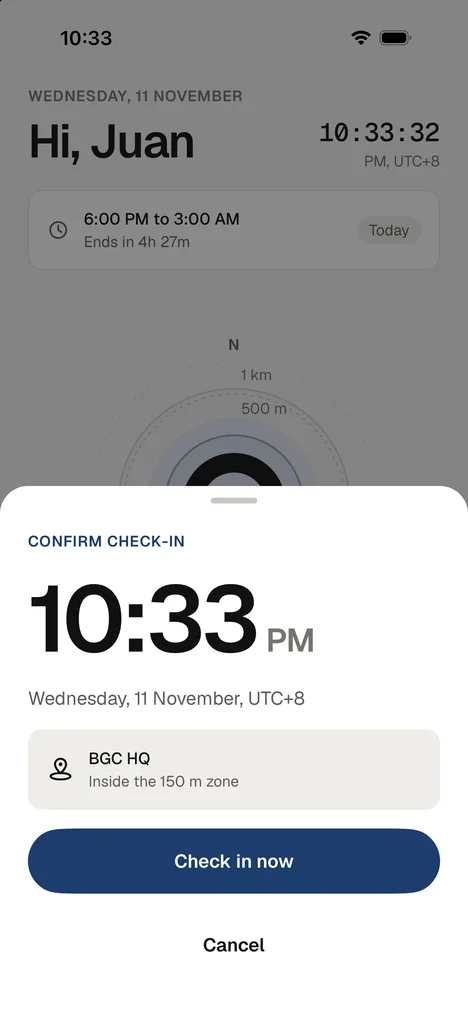
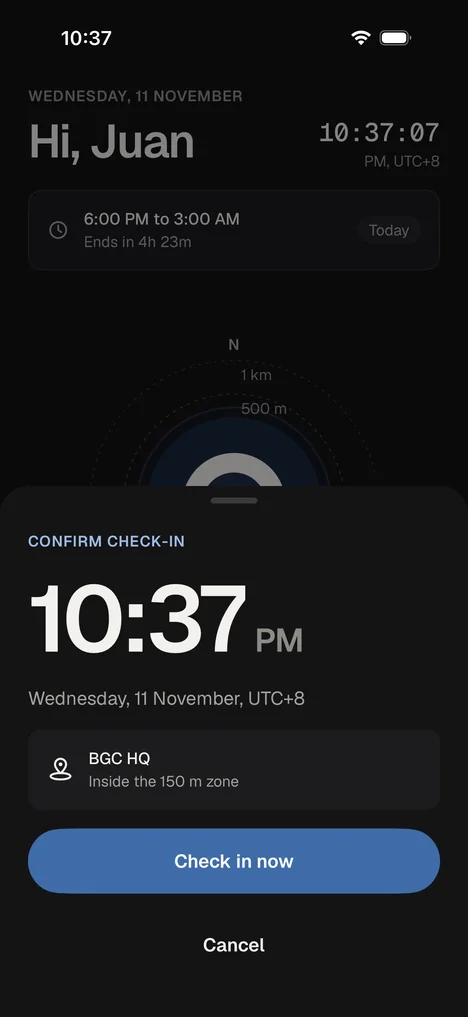
They install Adxum Tap, sign in, and allow location while using the app. At the site, Check in turns on once they’re inside the zone.
See who’s on site
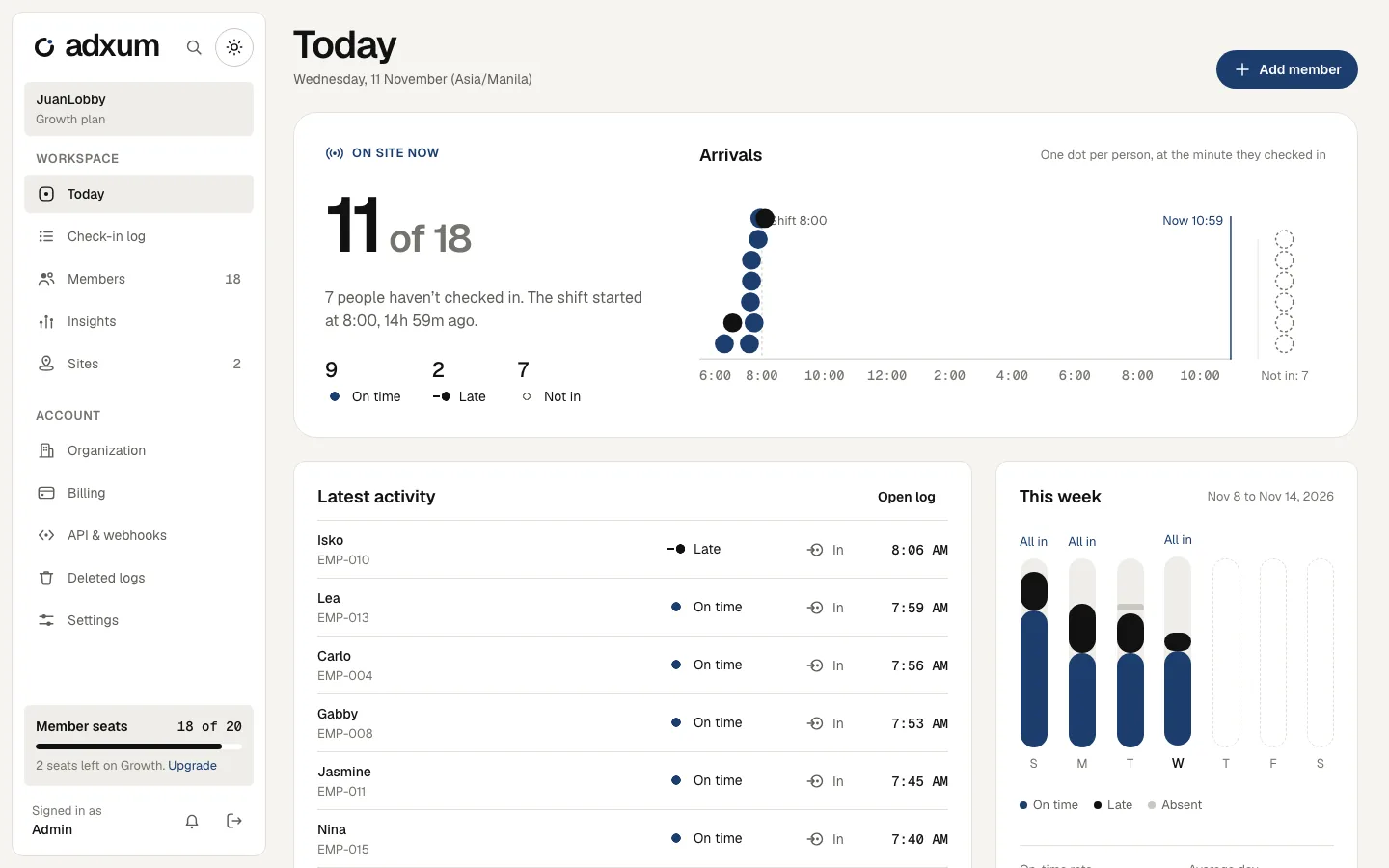
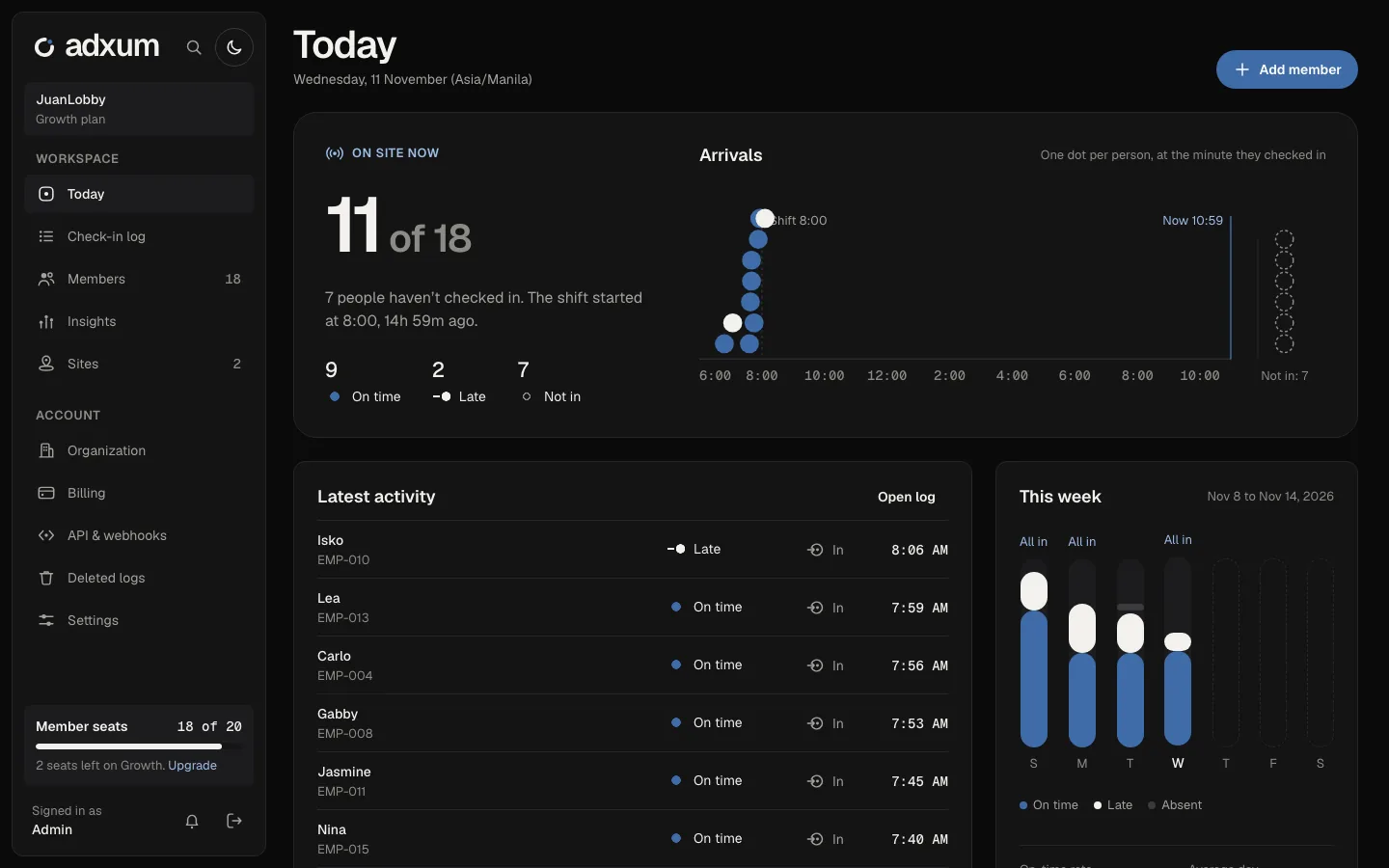
Today shows who has arrived, who is late and who isn’t in yet.
The Check-in log lists every check-in. You can change a status, add a note or export the records.
Behind the scenes
What happens between the phone and your dashboard.
The phone reads its location
Only while Adxum Tap is open, never in the background.
It checks the zone
The app measures the distance to the site. Check in turns on inside the radius.
It refuses mock locations
A location the phone reports as mocked never counts, however close it claims to be.
Adxum saves the check-in
It counts once it reaches Adxum. Offline, nothing is recorded and the app says so.
Status
Each check-in gets one status.
Statuses come from the member’s schedule, and each one has its own shape, so they read without colour.
Checked in by the start of the shift, or checked out after it ended.
Checked in after the shift started.
Checked out before the shift ended.
A scheduled shift with no check-in.
You can change any status in the Check-in log, and add a note to say why.